Characters
Create a consistent AI Character.Or bring one you already use.
Make a Character once and use it across all your content. Or skip Characters and run faceless — it’s your choice.



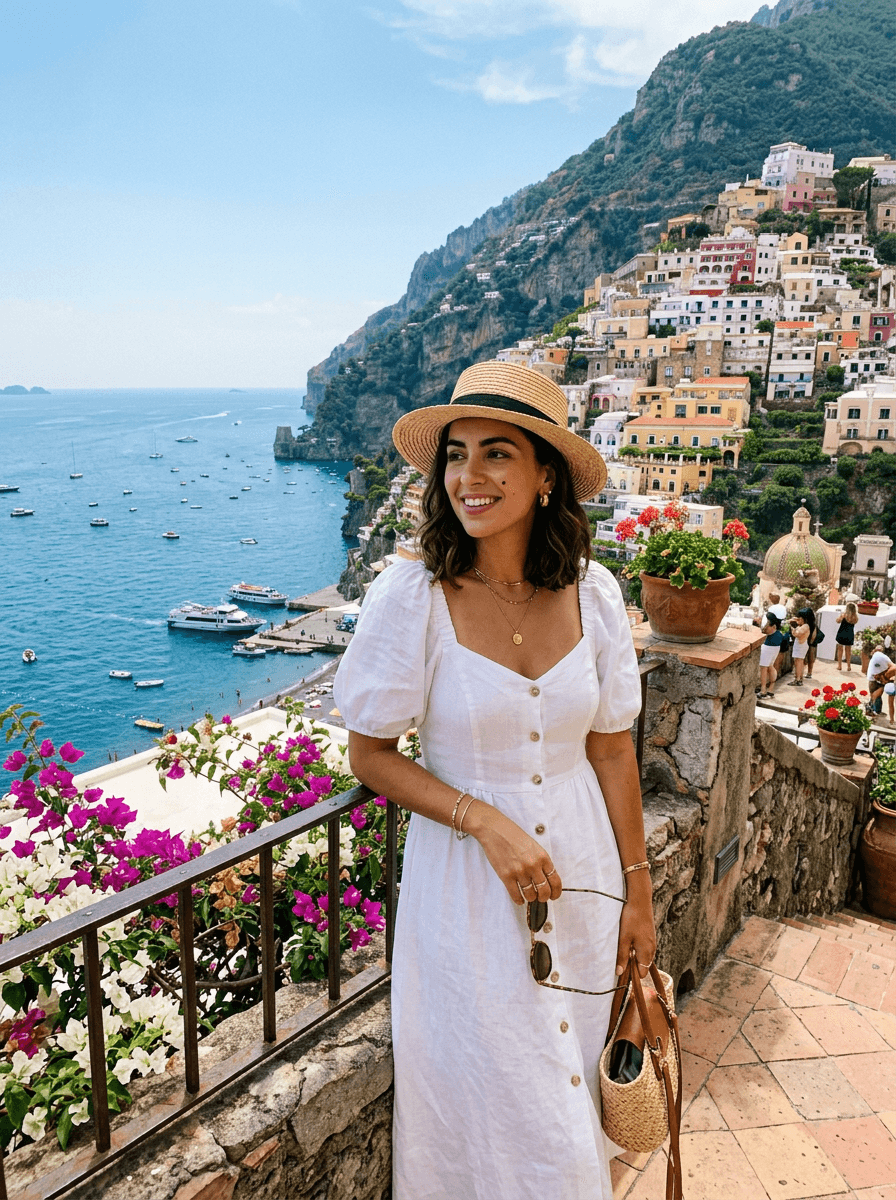
The same face, every post
Your Character’s identity is set once and kept consistent.
Make it once, use it everywhere
Use the same Character in any Automation, month after month.
Bring your own
Already built a Character on Higgsfield? Connect it.
Private to you
Characters stay in your account. Deleting one deletes its files too.
More kinds of CharactersCartoon · Stylized and 3D · Kids · Story Characters
Making a Character
- 1
Describe
Write a description, or start from a reference image you have the rights to.
- 2
Choose
Pick the look you like. Yarneen prepares the Character in the background.
- 3
Use
Add it to an Automation and it appears in new scenes, consistently.
The rules
- Characters are fictional. No real people without their explicit permission.
- Every Character is an adult (18+). Minors are never allowed.
- Characters and their files are private to your account.
- Delete a Character and its images and model files are deleted too.
Set up your first Automation.
Create an account in a minute. Connect accounts when you’re ready.